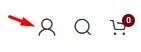
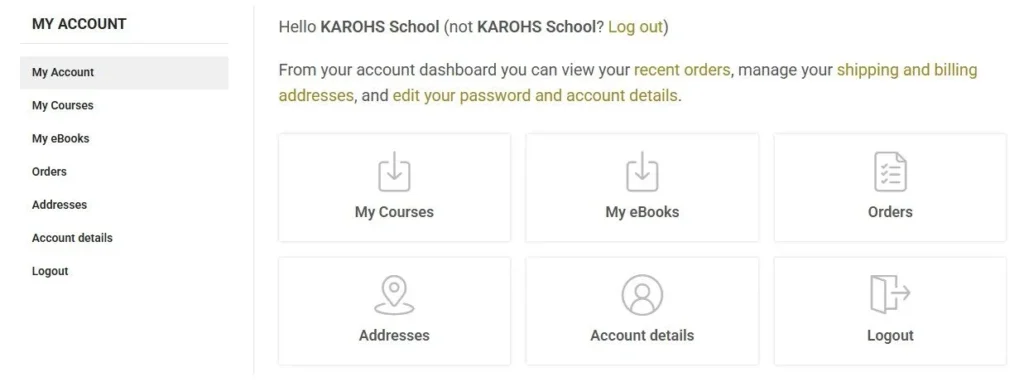
How Access Your Courses and Ebooks Please log in to https://karohs.school and select My Account menu. If you are using a PC or laptop: Click the account icon located at the top right corner of the website. If you are using a smartphone: Tap the menu icon, then select LOGIN / REGISTER. Enter your username and password to access your account. To access the courses and eBooks you have purchased, please heading to the My Account menu and select either My Courses or My eBooks.